

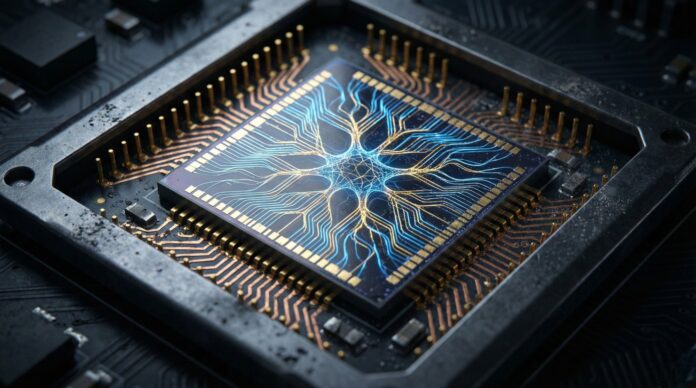
Open a laptop in 2026. You aren’t just waking up a computer; you are likely jolting a dedicated artificial intelligence engine into action.
For decades, silicon labor was divided simply. The Central Processing Unit (CPU) handled the logic, and the Graphics Processing Unit (GPU) painted the pixels. But as generative AI migrates from massive server farms to the device in your pocket, a third processor has forced its way onto the motherboard: the Neural Processing Unit, or NPU.
The NPU is a specialist. It doesn’t run Windows. It doesn’t render 3D game environments. Its sole purpose is to crush the complex mathematics of machine learning. By offloading this work, devices can now run voice assistants, generate images, and translate foreign languages in real-time. Crucially, they do this without torching your battery or beaming your private data to the cloud.
The Architecture: It’s Just Math
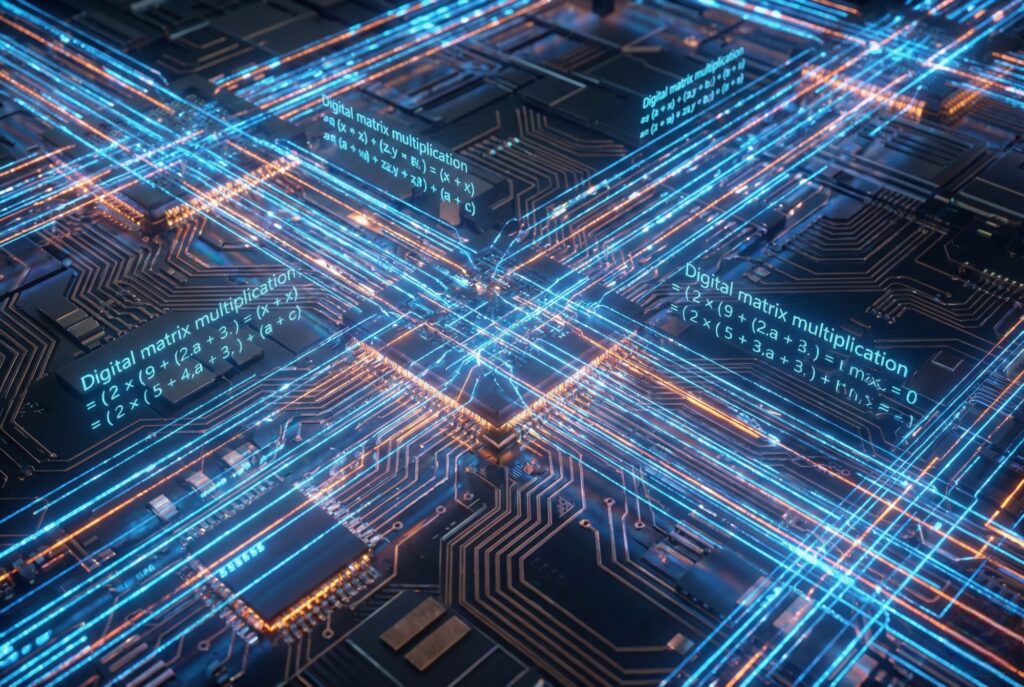
To understand the hardware, you have to understand the software. AI doesn’t “think” in the biological sense. It calculates.
Neural networks rely on linear algebra. Specifically, matrix multiplication. When an AI processes a request, it multiplies vast arrays of numbers (inputs) against other numbers (weights) to find a probability. A general-purpose CPU can do this, but it hates it. CPUs are designed for sequential logic—Step A leads to Step B. They are meticulous managers, not number-crunchers. GPUs are better, handling parallel tasks well, but they are power-hungry beasts built for high-precision graphics, not efficiency.
Enter the NPU.
Engineers stripped away the complexity required for operating systems and 3D rendering. In its place, they packed thousands of Multiply-Accumulate (MAC) units. These units perform a single, repetitive trick: multiply two numbers, add the result to a total, and repeat. By arranging these units in massive parallel grids—often called systolic arrays—an NPU can process data flows in a single “heartbeat.” It completes trillions of operations per second (TOPS). No wasted energy. No hesitation.
The Trinity: CPU vs. GPU vs. NPU
Modern “AI PCs” and smartphones utilize heterogeneous computing. The system acts as a traffic controller, routing tasks to the processor that will complain the least.
- The CPU (The General): directs traffic. It boots the OS, opens Excel, and manages input. It is versatile, but slow at massive parallel math.
- The GPU (The Artist): handles heavy lifting. It renders 4K video and powers gaming physics. It can run AI, but it burns through battery life aggressively.
- The NPU (The Specialist): takes the AI workload. It quietly handles background blurring on Zoom, powers local chatbots, and identifies objects in your photo gallery. It is rigid, but incredibly efficient.
Technical Comparison
The following table breaks down the architectural distinctions.
| Feature | CPU (Central Processing Unit) | GPU (Graphics Processing Unit) | NPU (Neural Processing Unit) |
|---|---|---|---|
| Primary Function | General logic, OS management, serial processing | Parallel processing, graphics rendering, 3D | Tensor math, deep learning inference, AI acceleration |
| Core Architecture | Few complex cores (e.g., 8–24 cores) | Thousands of smaller cores | Arrays of Multiply-Accumulate (MAC) units |
| Precision | High (64-bit / 32-bit float) | Mixed (32-bit float / 16-bit) | Low (INT8 / FP16) for efficiency |
| Efficiency Goal | Low latency (speed for single tasks) | Throughput (volume of tasks) | Performance per Watt (efficiency) |
| Best Use Case | Running Windows/macOS, opening apps | Gaming, video editing, rendering | Face ID, local LLMs, live translation |
Why Efficiency Matters

The push for NPUs isn’t just about speed. It’s about “Edge Computing”—keeping data on the device rather than the server.
Cloud dependency has three problems: lag, cost, and privacy. If your AI assistant needs to ping a server in Virginia to set a timer, it’s too slow. If it sends your financial data to that same server to analyze a spreadsheet, it’s a security risk.
Local AI fixes this. But it is expensive in terms of energy. If a laptop relied on its GPU to run a language model like Llama 3 continuously, the battery would die in an hour.
NPUs solve the energy equation by sacrificing precision. A neural network rarely needs 64-bit accuracy. It often works perfectly fine with 8-bit integers (INT8). The NPU calculates in this lower resolution, drastically reducing the data flow and power consumption. This allows the AI to run constantly—monitoring security, indexing files, optimizing audio—with negligible impact on battery life.
The Software Catch-Up
Hardware is useless without software to drive it. Fortunately, the ecosystem has caught up.
Apple’s M-series chips deploy the Neural Engine; Qualcomm’s Snapdragon X Elite uses the Hexagon NPU; Intel’s Core Ultra relies on AI Boost. Software developers are finally targeting these cores specifically. Adobe Photoshop routes “generative fill” tasks to the NPU. Windows 11 offloads “Studio Effects”—like eye contact correction—to the NPU, freeing up the GPU for other work.
Looking Ahead
In 2026, the NPU is no longer a luxury. It is a requirement.
The industry has moved its yardstick. Success isn’t just measured in gigahertz anymore; it’s measured in TOPS. Current hardware is pushing past the 45+ TOPS threshold required by Microsoft for local Copilot features. The silicon is ready. The next battleground is optimization—ensuring the OS knows exactly when to call the General, the Artist, or the Specialist.
