


The Shift to the Edge
Microsoft is engineering a pivot. After years of pushing the cloud, the next OS—likely branded Windows 12—is bringing the data center back to your desk. Codenamed “Hudson Valley,” this update abandons the cloud-first orthodoxy for a “hybrid” approach. The goal? Move heavy AI workloads off Azure servers and onto your device’s Neural Processing Unit (NPU).
Current AI has three problems: it’s slow, it leaks data, and it’s expensive to run. Windows 12 attempts to solve this by running Small Language Models (SLMs) like Phi-Silica locally. Instead of waiting for a server in Virginia to process a request, your laptop does the math instantly. Context analysis, document summarization, content generation—it all happens on the metal. No internet required.
The “CorePC” Architecture
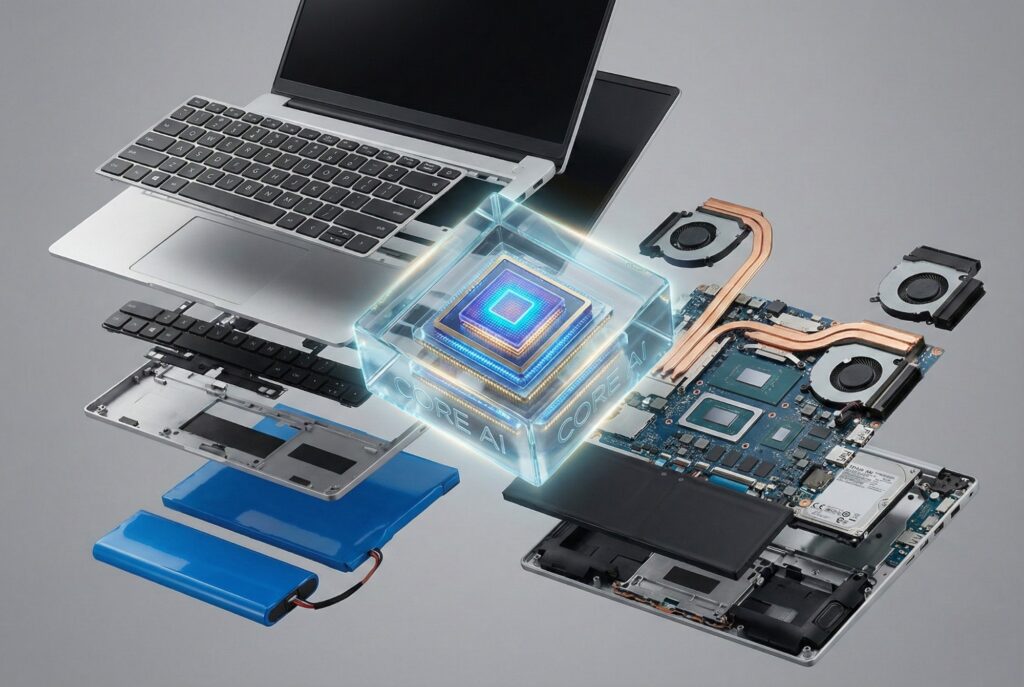
Microsoft calls the structural overhaul CorePC. Legacy Windows is monolithic; CorePC is modular. It uses “state separation” to split the OS into read-only partitions that sit apart from your files and apps. Think of it like mobile architecture—iOS or Android—ported to the desktop.
This serves two distinct functions. First, updates happen in the background. No more forced reboots in the middle of a meeting. Second, it builds a clean room for “Core AI.” Microsoft needs deep-system agents to read your screen, emails, and calendar for context. By isolating the core, they can grant that access without exposing the data to third-party drivers or the open web.
The Hardware Mandate: Why 40 TOPS Matters
Local processing kills older hardware. The new metric to watch is TOPS (Trillions of Operations Per Second). Your CPU handles logic; the GPU handles pixels. The NPU is a dedicated highway for AI math.
To get the full Windows 12 feature set, leaks and “Copilot+ PC” specs point to a hard floor: 40+ TOPS. That number isn’t random. It’s the minimum required to run quantized SLMs silently in the background without tanking battery life or freezing the UI.
Devices lacking this silicon will likely default to a “cloud-assist” mode. Expect slower responses, potential subscription walls, or disabled features.
Comparing Architectures: Cloud vs. Edge
The table below outlines the operational differences between the current Windows 11 implementation and the projected Windows 12 model.
| Feature | Windows 11 (Cloud-Dependent) | Windows 12 (Hybrid/Local Core) |
|---|---|---|
| Processing Location | 90% Cloud / 10% Local | 60% Local / 40% Cloud (Hybrid Loop) |
| Latency | High (Round-trip to server required) | Near-Zero (Instant local inference) |
| Privacy | Data often leaves device for processing | Sensitive data stays on NPU/Local device |
| Offline Capability | Limited to basic system functions | Full AI context search & summarization |
| Hardware Requirement | Standard CPU/GPU | Dedicated NPU (40+ TOPS recommended) |
| Cost Model | High server costs for Microsoft | Distributed processing (User hardware) |
The Hybrid Loop and Phi-Silica

Microsoft manages the traffic via the “Hybrid Loop.” This framework forces apps to choose a lane. Ask for a complex, creative essay? The OS pings the cloud for GPT-4o. Ask to “find that PDF I opened last Tuesday”? The local NPU handles it.
That local muscle comes from Phi-Silica. It’s an SLM tuned specifically for the NPUs in Snapdragon X Elite, AMD Ryzen AI, and Intel Core Ultra chips. It sits in memory, small but competent, giving Windows a “photographic memory” of your workflow—functionality previously previewed as “Recall.”
Privacy as a Performance Feature
Marketing teams call this a privacy win. Engineers know it’s a performance necessity. A truly proactive assistant needs to watch your screen constantly. Streaming that 24/7 video feed to the cloud is impossible—it kills bandwidth and creates a massive security target.
Processing the “context loop” inside the local CorePC partition solves the enterprise headache. IT admins can lock down Windows 12, ensuring that while the AI reads the screen to help the user, the data never leaves the encrypted drive.
The Road Ahead
Windows 12 kills the “cloud-only” experiment. By pushing compute to the edge, Microsoft cuts its server bills and hands users a faster experience. The OS stops being a passive launcher for Chrome or Excel. It becomes an active engine, running silently on your own silicon.